Warning About Malware Impersonating Google Chrome and Microsoft
Hackers have created fake websites that display error messages from Google Chrome or Microsoft Word. These messages often prompt users to copy code and paste it into PowerShell, resulting in the installation of malware without the user's knowledge. This makes it easy for users to be deceived and install malicious software unknowingly.

2. Targets of the Malware
The installed malware can steal personal information, including banking accounts, financial details, and other sensitive data. This can lead to the loss of assets and personal information, causing significant harm to victims.
3. How to Protect Yourself
- Do not download software from untrusted sources: Users should be cautious and only download software from official and reputable websites.
- Verify the authenticity of error messages: If you receive an error message requesting software installation, carefully check its validity before taking any action.
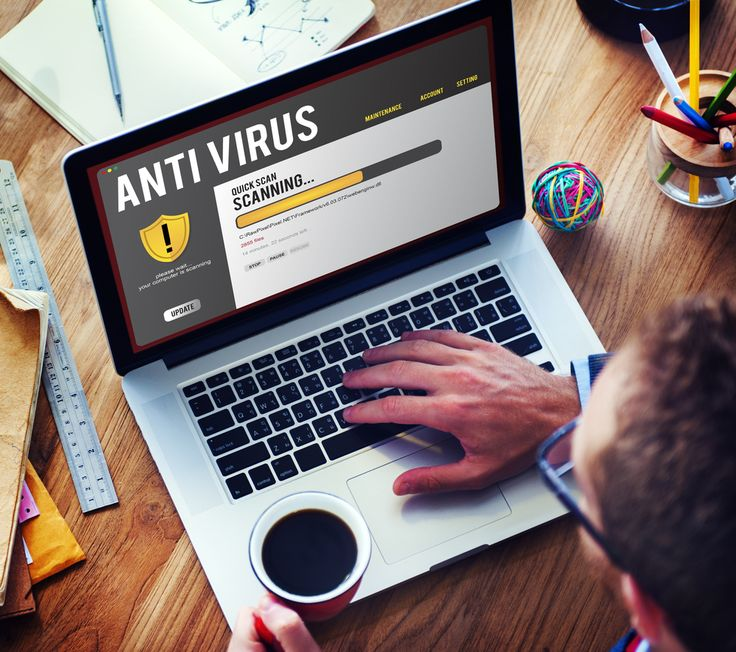
- Use antivirus software: Ensure that antivirus software and Windows Defender are enabled and regularly updated to protect your computer from threats.
4. Expert Recommendations
Experts advise users to be cautious and not act hastily when receiving error messages or requests for software installation. Always verify information before taking any actions that could harm your device. Additionally, regularly backing up important data is an effective protective measure.
The rise of malware impersonating popular applications like Google Chrome and Microsoft poses a serious threat to users. By raising awareness and implementing necessary preventive measures, users can protect themselves from these risks. Always be vigilant and safeguard your personal information!